> For the complete documentation index, see [llms.txt](https://docs.klink.cloud/llms.txt). Markdown versions of documentation pages are available by appending `.md` to page URLs; this page is available as [Markdown](https://docs.klink.cloud/how-to-use/tickets/assign-transfer-ticket.md).

# Assign / Transfer Ticket

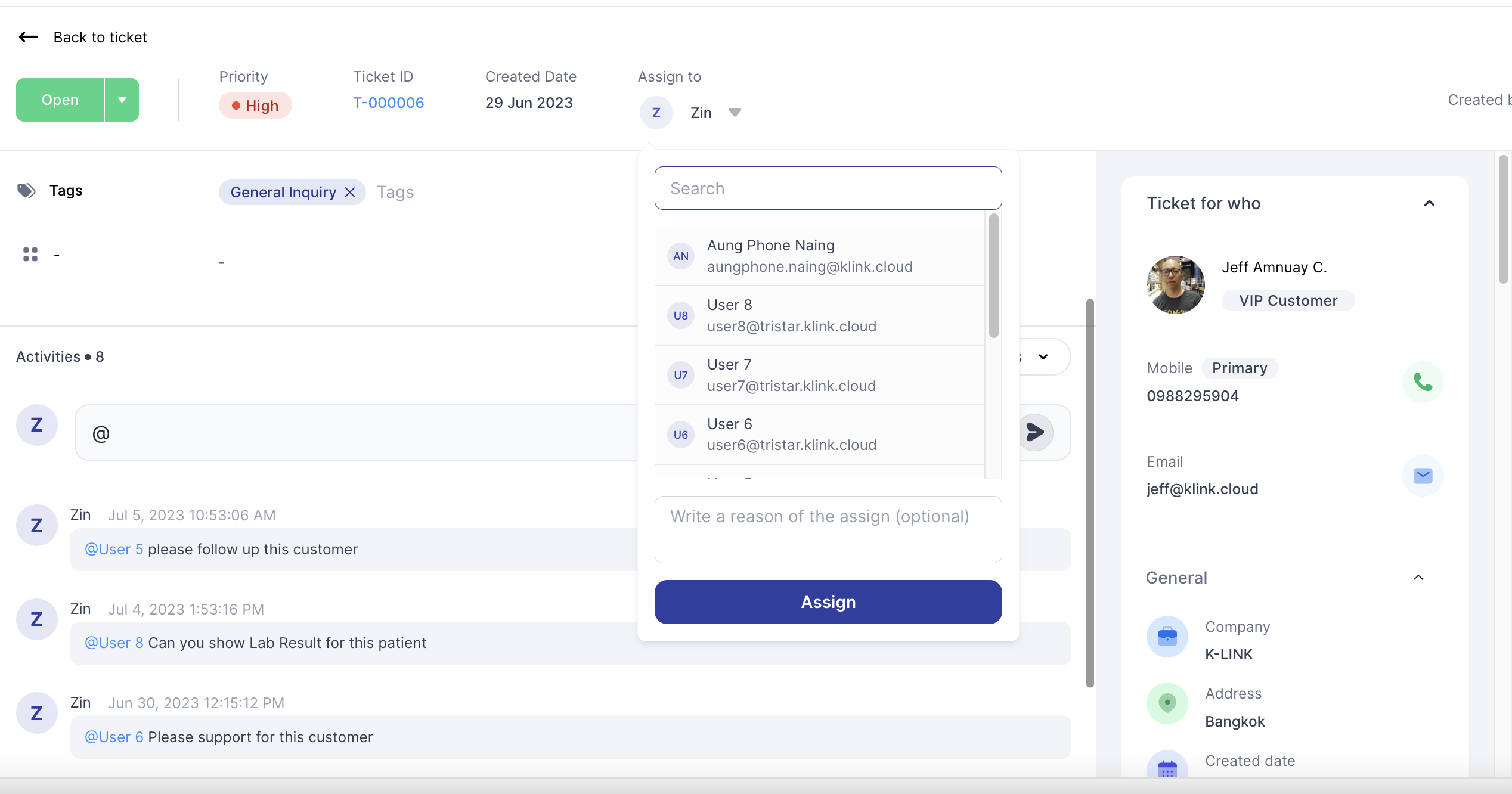
This tutorial will show you how to transfer / assign tickets to other team members

### Step 1 - Go to Ticket Page

you can assign your tickets to other team members as per below

<figure><img src="https://420146782-files.gitbook.io/~/files/v0/b/gitbook-x-prod.appspot.com/o/spaces%2FqqwHJh6YA4uvzfFRLnoR%2Fuploads%2FNH0pfMuYgZpkEpQnpdkw%2FScreen%20Shot%202023-12-21%20at%203.15.18%20PM.png?alt=media&amp;token=91194d1c-3973-4706-87a7-962d85b9e1d5" alt=""><figcaption></figcaption></figure>

### Step 2 - Your Team Member will receive ticket notification

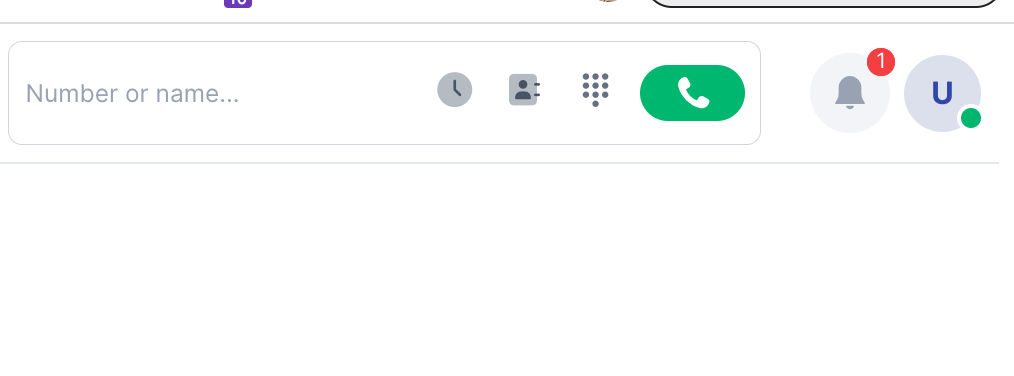
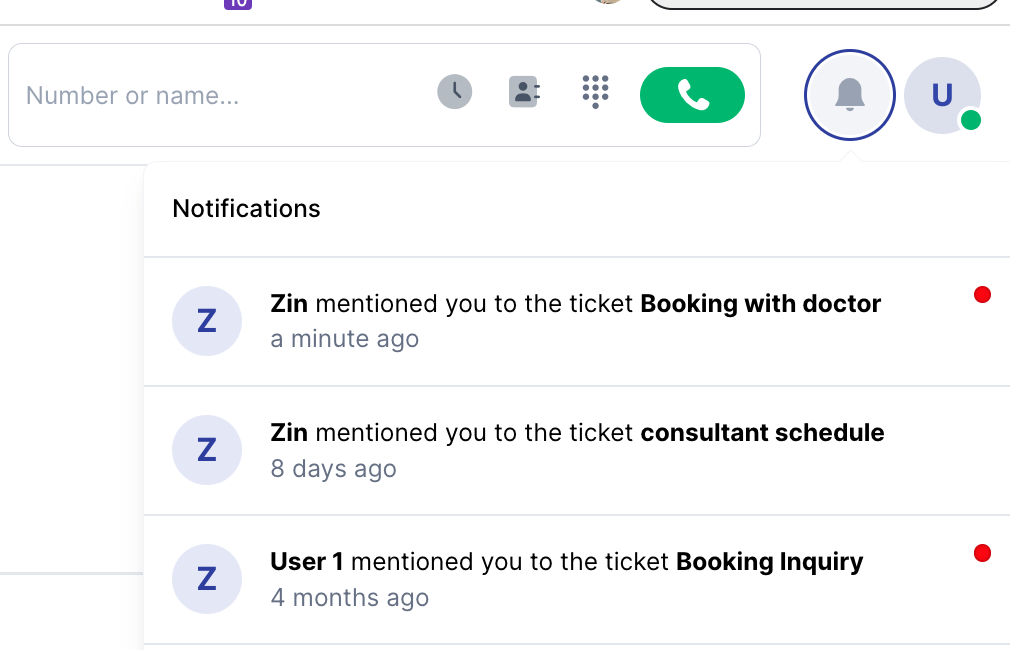
your team member will receive notifcation
<figure><img src="https://420146782-files.gitbook.io/~/files/v0/b/gitbook-x-prod.appspot.com/o/spaces%2FqqwHJh6YA4uvzfFRLnoR%2Fuploads%2FwkKkxA7S51Pu4YWji85c%2Fimage.png?alt=media&amp;token=63f21d0f-ba78-400d-a8d7-0d30bf56832d" alt="" width="375"><figcaption><p>In-App Notification</p></figcaption></figure>

<figure><img src="https://420146782-files.gitbook.io/~/files/v0/b/gitbook-x-prod.appspot.com/o/spaces%2FqqwHJh6YA4uvzfFRLnoR%2Fuploads%2F3ewfHfCSIXn1EpzdMRCq%2Fimage.png?alt=media&amp;token=4ce56dc5-a356-420b-ab8a-4084127438ed" alt="" width="375"><figcaption></figcaption></figure>

### Done